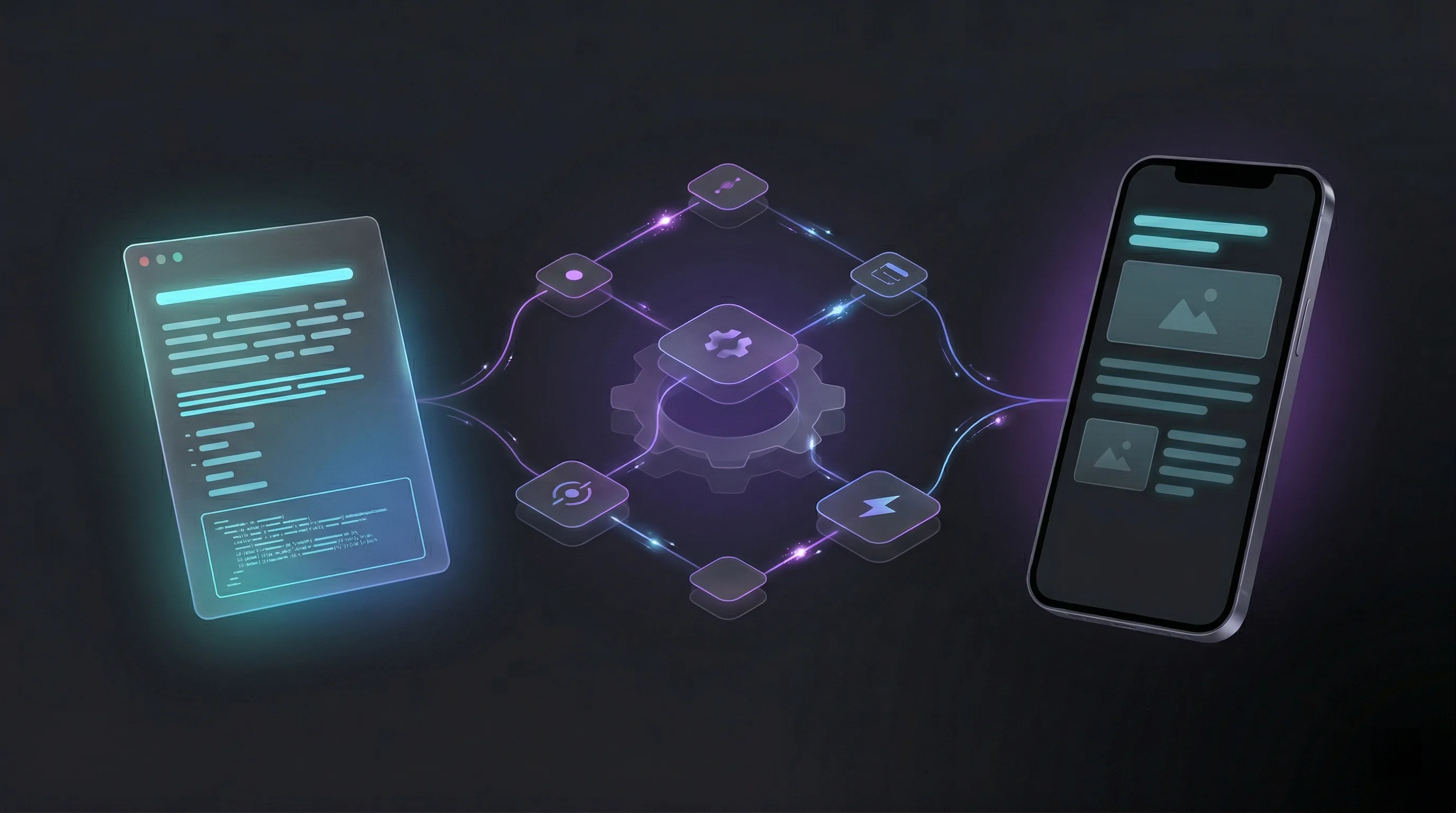
If you read my first post, you already know that finding time to write is always my biggest problem. I want to blog, I have ideas, but spending hours to write, format, optimize images, commit, build, and deploy? That friction kills motivation faster than a merge conflict on Friday afternoon.
Then late last year, I was watching NetworkChuck’s video about his “insane blog pipeline.” He’d automated his entire blogging workflow with a single “mega script” - write in Obsidian, run the script locally, and boom: site synced, images processed, built, and deployed.
If you haven’t seen it yet, go watch it. Seriously, it’s great:
It was clever. It worked. And I thought: “Well, this is pretty cool… but I can do better.”
But What About Mobile? 🤔
Don’t get me wrong - Chuck’s setup is brilliant. A single Bash/PowerShell script that handles everything? That’s elegant. But it had one constraint: everything ran locally.
You want to write a quick post from your phone while commuting? You can’t run the script. You thought of something brilliant at 2 AM and want to publish from your tablet? You need access to that machine. Quick typo fix from a coffee shop? You better have your laptop.
The script was automated, but still tethered to one device.
So I asked myself: What if the entire pipeline lived in the cloud? What if I could write on any device, push from anywhere, and get automatic previews?
And when I say any device, I literally mean any. I’ve pushed posts from my phone on the train. I’ve merged a PR from my iPad at a coffee shop. Nothing to install, nothing to configure on a new machine. If you have git and a text editor, you’re good to go.
Well! That question led me down a path. Let me show you what I built.
The Big Picture
Let’s see what I ended up building.
The core idea is similar to NetworkChuck’s approach: automate everything between writing in Obsidian and having a live blog post. But instead of a local script that runs on one machine, I moved the entire pipeline to the cloud.
Here’s the high-level flow: I write in my Obsidian vault (which is a private GitHub repository). When I push changes, automation detects them and kicks off a series of steps. Content gets synced to my blog repository. Obsidian image tags get replaced with standard markdown, and images get converted to WebP if needed. The site gets built and deployed as a preview so I can review it on my phone. When I’m happy with it, I merge, and it goes live.
The whole thing runs through GitHub Actions. No local dependencies. No scripts to remember. No “did I push that change?” anxiety. Just write, push, and grab a coffee while the robots handle the rest.
It typically takes about 10 minutes from pushing in Obsidian to having a live blog post. And I can do it all from my phone if I want.
Sounds straightforward? Well, the implementation got a bit… elaborate. Let me walk you through each piece.
The Layers
Now let me break down each piece of this beautiful monster.
Layer 1: Keeping Notes Private, Blog Public
The Problem: I write everything in Obsidian. My vault contains work notes, personal stuff, project ideas, and a Blog/ subfolder for publishable content. I wanted one source of truth, but separate repos for my private notes and public blog.
The Solution: A GitHub Actions workflow in my Obsidian vault repo that triggers whenever I push changes to the Blog/ folder. It checks out both repositories, uses rsync to sync the content from my vault to my blog repo, and automatically creates a pull request.
The clever bit? It checks if a sync branch already exists and reuses it instead of creating a new PR every time. No spam, just updates.
One small note: to make the cross-repo part work, the vault repo needs write access to the blog repo. I handle this with a fine-grained personal access token stored as a repository secret.
Why it’s cool: This is a genuine cross-repo automation pattern. The workflow in repo A creates PRs in repo B. This cross-repo automation pattern is useful beyond blogs - anytime you need to trigger actions in one repository based on changes in another, this approach works.
Layer 2: From Obsidian Syntax to Web-Ready Images
The Problem: Obsidian uses ![[image.png]] syntax for images. Hugo (my static site generator) needs standard markdown with . Plus, I wanted WebP format for performance.
The Solution: When the sync workflow creates a PR in my blog repo, another workflow triggers automatically. It runs a Python script that:
- Finds all Obsidian-style image references
- Converts PNG/JPG images to WebP
- Updates the markdown to standard syntax
- Commits the changes back to the PR
That last part? That feels like magic every time. The bot just pushes a commit to your branch with processed images. No manual steps.
It also maintains a cache file (.image_cache.json) so it only processes changed images. Incremental processing saves time and GitHub Actions minutes - no point reprocessing images that haven’t changed.
The result: images just work, every time, with zero manual steps.
Layer 3: See It Before You Ship It
The Problem: I want to see how posts look on my phone before publishing. Building locally and checking there? That felt like too much friction.
The Solution: Every PR gets its own preview URL on Cloudflare Pages. The PR workflow builds the Hugo site with a PR-specific base URL (pr-123.yourblog.pages.dev), deploys it to Cloudflare, and posts a comment on the PR with the preview link.
You want to check how that code block renders on mobile? Click the link. You want to share a draft with someone? Send them the preview URL. You want to catch that CSS issue before it goes live? It’s right there.
Oh, one small thing before I forget: these preview URLs are public by default, just like your blog. If you want to control who can see your drafts, Cloudflare Pages has access controls on their side for that.
Layer 4: One Merge, Site Goes Live
The Problem: Getting the built site to production without manual steps.
The Solution: When I merge a PR, the main workflow kicks in:
- Builds the Hugo site with the production URL
- Uses git subtree to extract the
public/directory to a separatepublicbranch - Deploys to Cloudflare Pages production
The git subtree part is exactly what NetworkChuck does in his script - split out the built files to a clean branch for deployment. I just moved it into CI/CD so it happens automatically.
Layer 5: Gone When You’re Done
When a PR is closed (whether merged or abandoned), a cleanup workflow triggers automatically. It calls the Cloudflare Pages API to delete the preview deployment.
No manual cleanup. No zombie previews accumulating over time. Tidy by default.
I know! All together it can feel a bit… complicated!

From Push to Live
Let me walk you through what actually happens when I write a post:
1. Write in Obsidian
I add a new file Blog/My-Awesome-Post.md with some image using ![[myimage.png]]
2. Commit and push to my SecondBrain repo
Just a normal git push
3. ☕ Get a coffee (networkchuck.coffee, seriously, it’s good)
The sync workflow runs in about 30 seconds
4. Sync workflow creates a PR in my blog repo
Titled “🚨 RENAME ME: Blog post from SecondBrain”
5. I rename the PR to something sensible
“Add: My awesome post about overengineering”
6. PR workflow triggers (3-5 minutes):
- Python script converts my screenshots to WebP
- Updates markdown from
![[myimage.png]]to - Commits those changes back to the PR (🤯)
- Builds the Hugo site
- Deploys preview to
pr-123.yourblog.pages.dev - Posts a comment: “Preview ready: [link]”
7. I click the preview link on my phone
Check how it looks, test the images, scroll through on mobile
8. Looks good! Merge the PR
One tap
9. Main workflow deploys (3-6 minutes):
- Builds production site
- Git subtree to
publicbranch - Deploys to Cloudflare Pages
10. Blog post is live! ✅
https://blog.harrypulvirenti.com/posts/my-awesome-post/
Total time: Typically about 10 minutes from push to production.
My effort: Write the post (the hard part) → Push → Rename PR → Review preview → Merge.
Automated: Everything else.
(Of course, “10 minutes” doesn’t count the hours spent actually writing and editing the post. But hey, the deployment is fast! 😝)
NetworkChuck vs Me: Let’s Compare
Now that we’ve seen both approaches, let’s see how they stack up:
| Feature | NetworkChuck’s Approach | My Approach |
|---|---|---|
| Complexity | One mega script | 5 workflows |
| Where it runs | Local machine | Cloud (GitHub Actions) |
| Devices | One machine with script | Any device with git |
| Previews | Build locally to check | Automatic PR previews |
| Mobile workflow | Need laptop access | Write & publish from phone |
| Setup time | ~1 hour | ~1 week 😝 |
| Maintenance | Update one script | Update multiple workflows |
The verdict? Both work great. Chuck’s is simpler and faster to set up. Mine works from anywhere and taught me way more about GitHub Actions. Choose your own adventure!
But if you ask me… mine is way cooler. Fight me.

What I Actually Learned
Building this taught me more than I expected.
I went in knowing how to write code. I came out knowing how to make systems talk to each other, how to avoid re-doing work you’ve already done, and why future-you will hate present-you if you don’t leave notes.
I figured out the Cloudflare Pages API, deployment strategies, the git subtree approach for deployment branches, and cache management. Knowing when to cache and how to handle incremental processing is something you only really learn by doing.
The biggest lesson? Workflow design is about trade-offs. Every decision has a cost. Incremental processing saves time and money, but adds complexity. Speed comes at the price of maintainability. Simplicity comes at the price of flexibility. There’s no free lunch, just different flavours of compromise.
Documentation is a gift to future you. I documented everything because I knew I’d forget why I made certain decisions. Six months later, those markdown files in the repo have saved me multiple times.
The Real Takeaway
Sometimes the best way to learn something is to solve a problem you didn’t need to solve, in a way that’s way more complicated than necessary.
Could I have just written markdown directly in the blog repo? Sure. Used Chuck’s script? Absolutely. Used WordPress and called it a day? Probably the sane choice.
But was it worth it for blogging? Probably not. Was it worth it for learning? Absolutely. Was it fun to build something ridiculous that actually works? Hell yes.
Let’s Wrap This Up
Thanks to NetworkChuck for the inspiration. His approach is brilliant - I just took it in a different direction. If you want something simpler and more practical, please consider checking out his post. And seriously, support the man at networkchuck.coffee.
I’m planning to open source the workflows in a sanitized repo. If you want to be notified when it’s up, the best way is to follow me on GitHub. You can also find me on LinkedIn or drop a comment below.
“I solved my ’no time to blog’ problem by spending six months building an automated blogging system. I see this as an absolute win.”
Now if you’ll excuse me, I need to go write another blog post. Should be live in about 10 minutes. 👨💻😜